Description
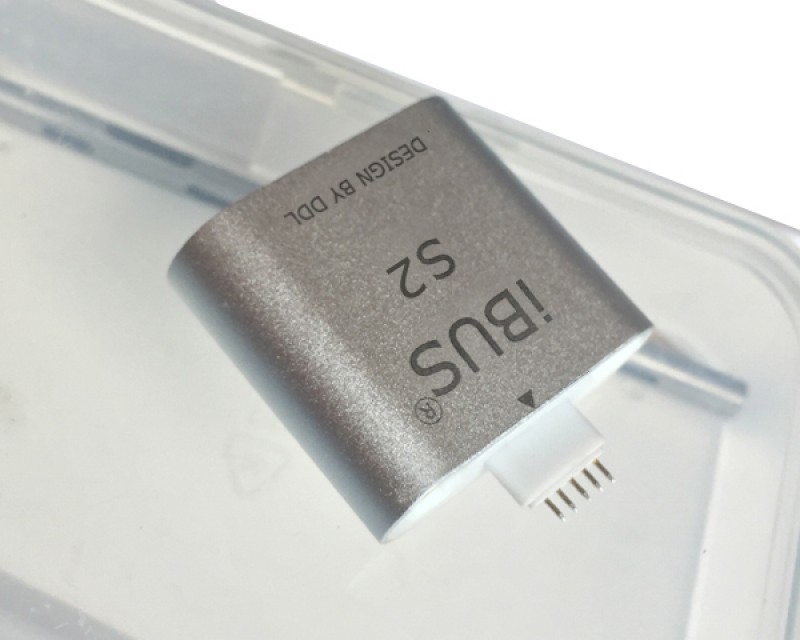
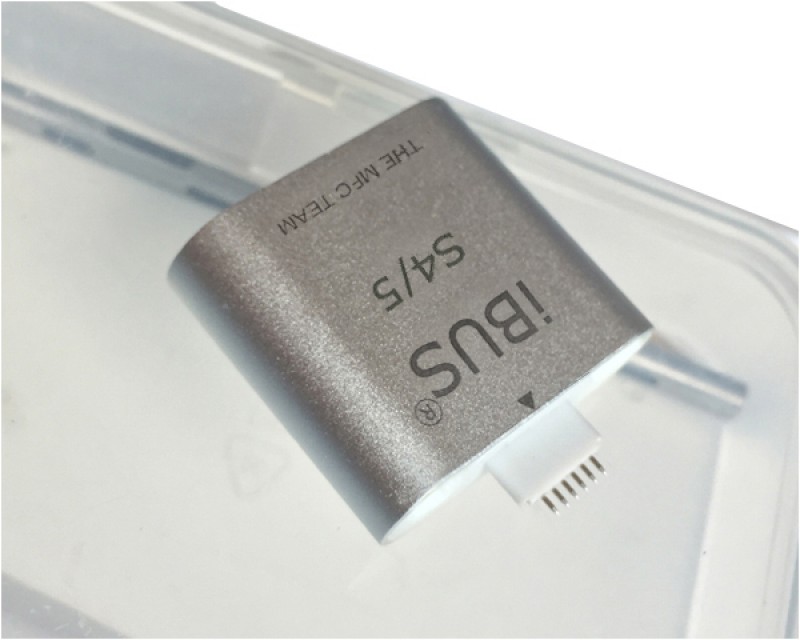
- Name:iBUS X Tool for Apple Watch S7 S8 S9 Ultra and Ultra 2
- SKU:EO010672
- Store:MFC TEAM STORE
- Weight:0.350Kg
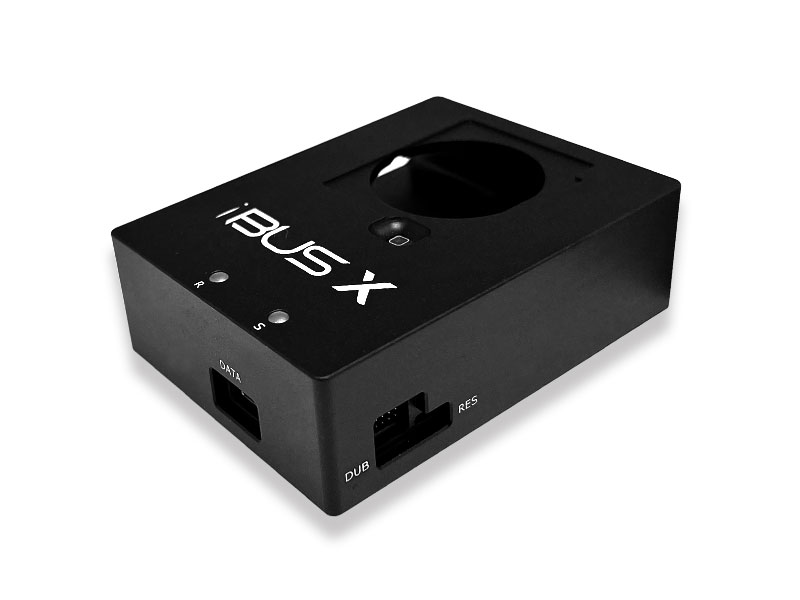
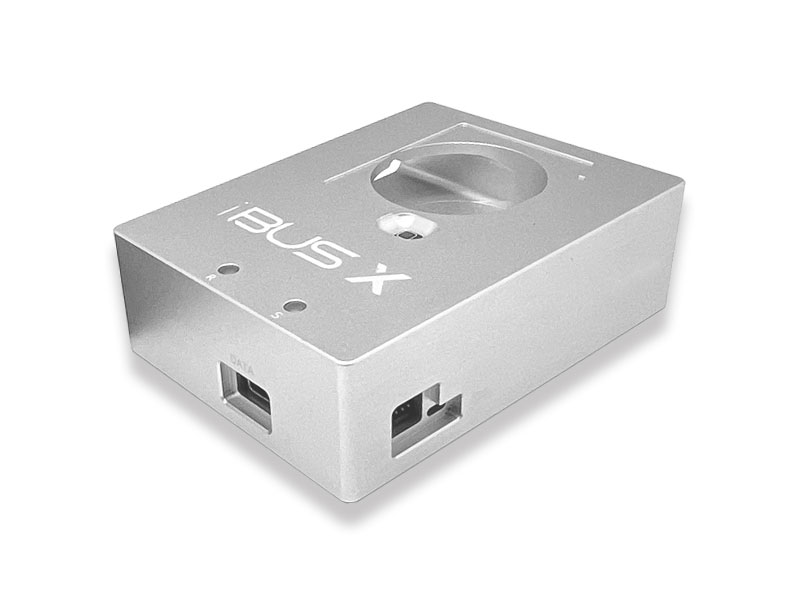
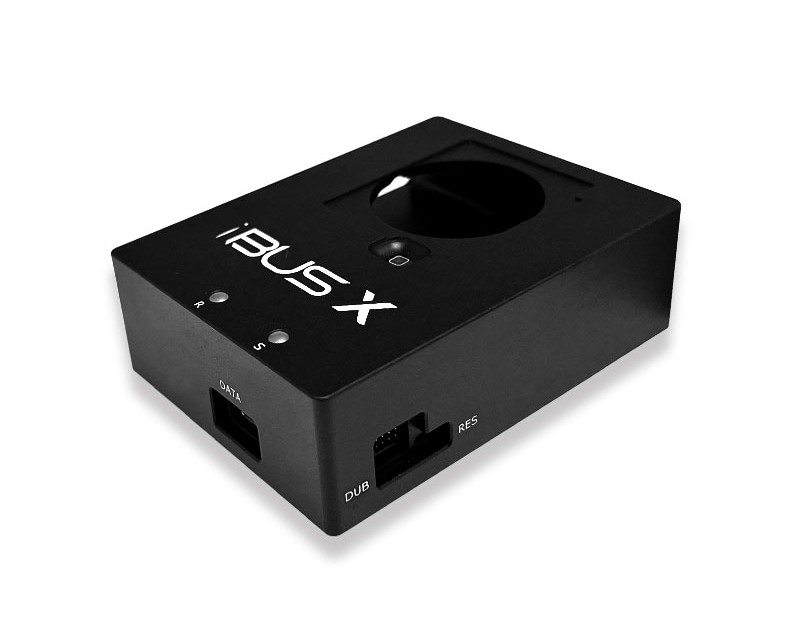
This USB 2.0 iBus X tool connects your Apple Watch S7 & S8 & S9 & Ultra and Ultra 2 devices with usb cable to your computer's USB port for restore & upgrade and repair software. also can fix related issue once Apple Watch glass digitizer touch got replacement. Eg, If your Apple Watch displays a red exclamation point after a software update, that's can easily solved by iBus that's no more need to contact Apple Support for service and so on.
Product information:
Full Support Apple Watch S7 & S8 & S9 & Ultra and Ultra 2
Apple Watch Series 7 as N187sAP (Watch6,6 - 41mm), N187bAP (Watch6,7 - 45mm), N188sAP (Watch6,8 - 41mm Cellular) or N188bAP (Watch6,9 - 45mm Cellular)
Apple Watch Series 8 as N197sAP (Watch6,14 - 41mm), N197bAP (Watch6,15 - 45mm), N198sAP (Watch6,16 - 41mm Cellular) or N198bAP (Watch6,17 - 45mm Cellular)
Apple Watch Series 9 as N207sAP (Watch7,1 - 41mm), N207bAP (Watch7,2 - 45mm), N208sAP (Watch7,3 - 41mm Cellular) or N208bAP (Watch7,4 - 45mm Cellular)
Apple Watch Series Ultra as N199AP (Watch6,18)
Apple Watch Series Ultra 2 as N210AP (Watch7,5)
Support Apple Watch restore and repair software
Support Apple Watch Downgrade & upgrade with Signed firmware
Support Apple Watch Glass Digitizer touch programming etc
Support Apple Watch demo unit convert to normally unit, some watchs due to hardware different may can not pair with your iDevice after doing software
Support Apple Watch diagnostic
Software information:
Apple Watch S7 & S8 & S9 & Ultra and Ultra 2 Firmware ( Very Important ** ):
We don't provide any firmware for Apple Watch S7 & S8 & S9 & Ultra and Ultra 2, before you buy this product you must ensure already have related firmware. otherwise it will not be able to restore or update the watch via iBUS X.
We don't accept refunds because you don't have related firmware.
To use the free firmware (If available for downloading. Note, this firmware may not compatible for iTunes) from mfcbox.com, You must ensure that you already have the rights to use the software
Additional information:
Unfortunately there is (currently) no way to restore the OTA files for the Apple Watch. So you must be sure you already have related firmware and related software that be able to restore or update your Watch by iBUS. If you don't know about that, don't buy this.
This tool is only for personal study and research purposes, please do not used for commercial purposes, do not do anything illegal things, otherwise you need take all responsibility.
Buy from unauthorized reseller & website, You will lost technical support from us. The limited warranty provides 60 days once you activate iBUS X on mfcbox.com.
If the iBus X tool recognizes your Apple Watch (Above supported models in Product information) normally by iTunes software or MFC software, we will not accept refunds for any other reason.
How to go to DFU & Recovery mode for Apple Watch ?
Package content:
1 x iBUS X Tool
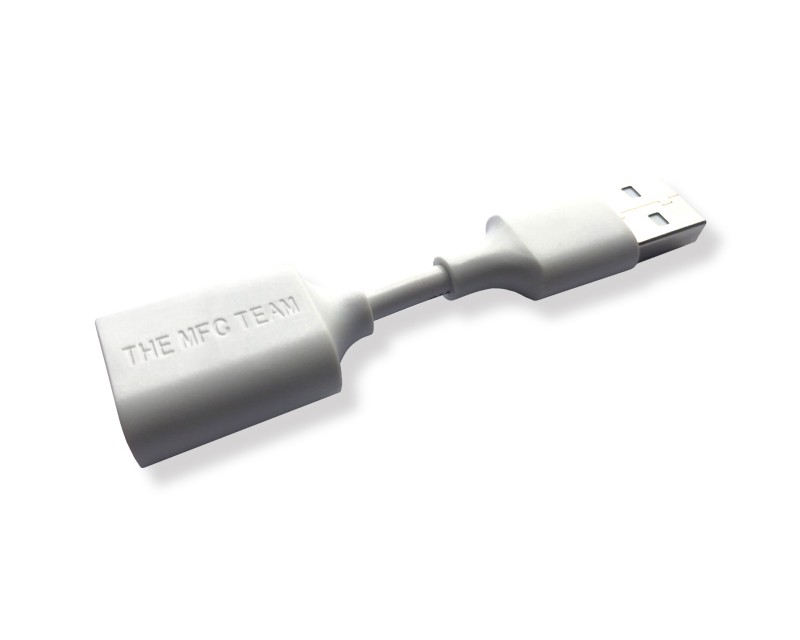
1 x USB Data Cable
Support Forum:
 Detailed Ratings: